 Sumory
Personal ledgerSumory · iPhone
Track spending.Keep the story.
Log a coffee, settle a trip with friends, or see what your camera costs per day. Sumory brings the money, the people and the things you keep into one journal.
- No account to create
- Receipts read on device
- Private iCloud sync


Five chapters
Inside your ledger
From the first coffee to the end-of-month review, follow one trip through Sumory: the ledger, shared costs, belongings, journal pages and reports.
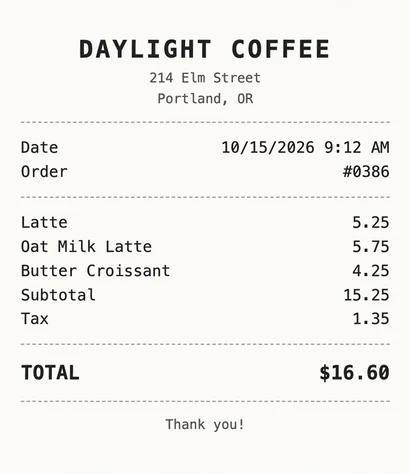
It starts with a receipt.
Follow a coffee receipt from the café counter to a searchable entry.
Read the chapter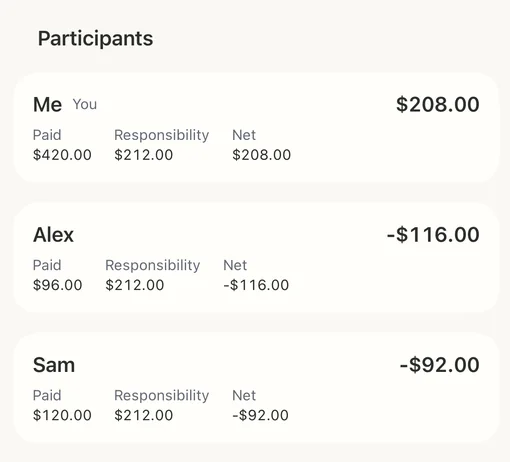
One trip. Every share accounted for.
Follow the payments for a getaway and find each traveler’s share.
Read the chapter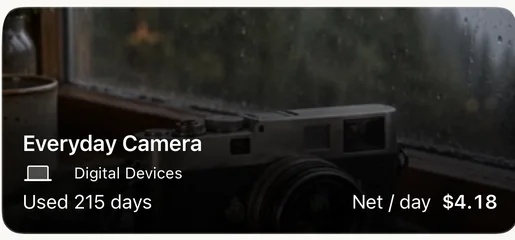
After the camera comes home.
Look at one camera’s net cost, daily cost and time in use.
Read the chapter
A page for a cabin in the hills.
Place travel photos, handwriting and a real ledger entry on the same page.
Read the chapter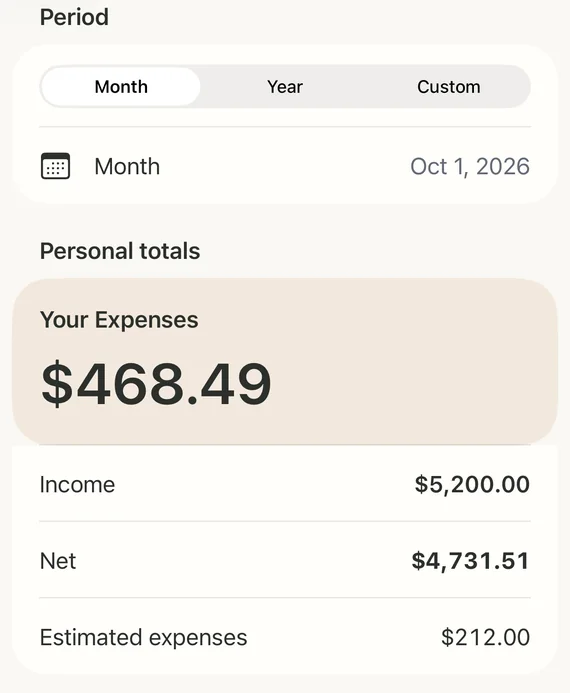
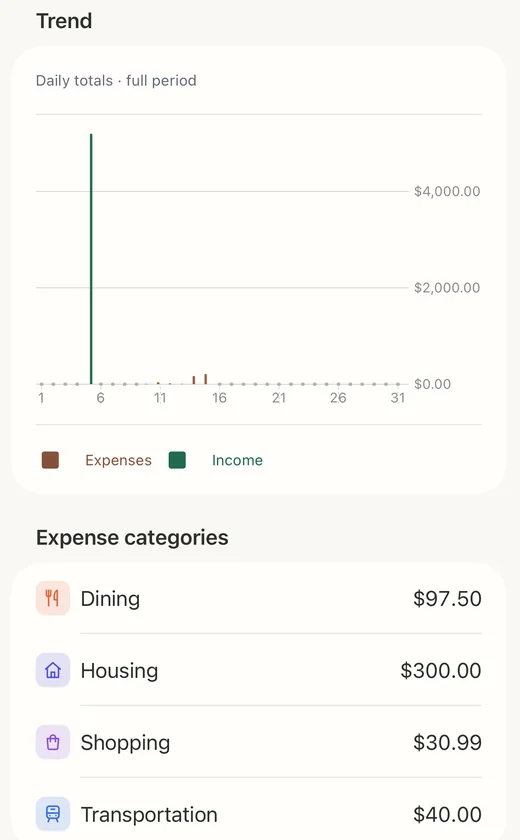
Turn to the end of the month.
Read the totals and spending categories, then choose what to export.
Read the chapterNine pages
Leaf through it.Every page is the real app.
Simulator captures from Sumory 1.5 with the App Store sample data. Scroll sideways to see all nine.
-
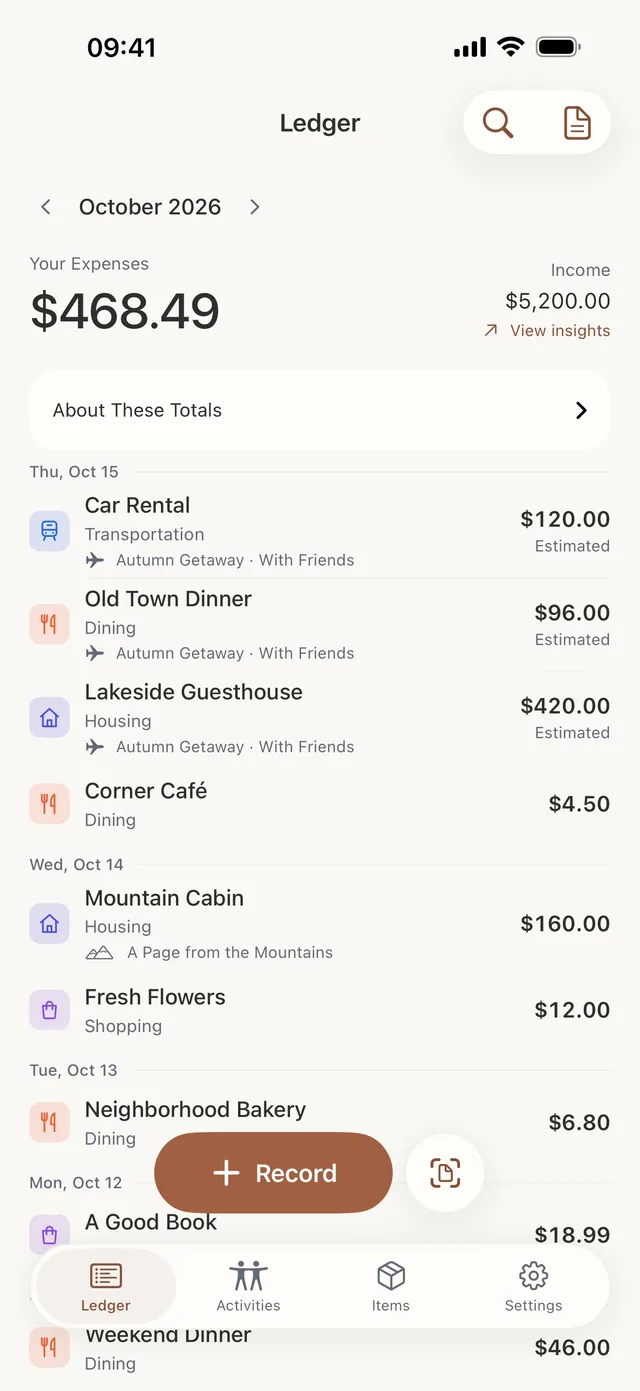
Daily ledger
Track your spending, keep life’s moments.
Clearer accounts, a calmer day.
-
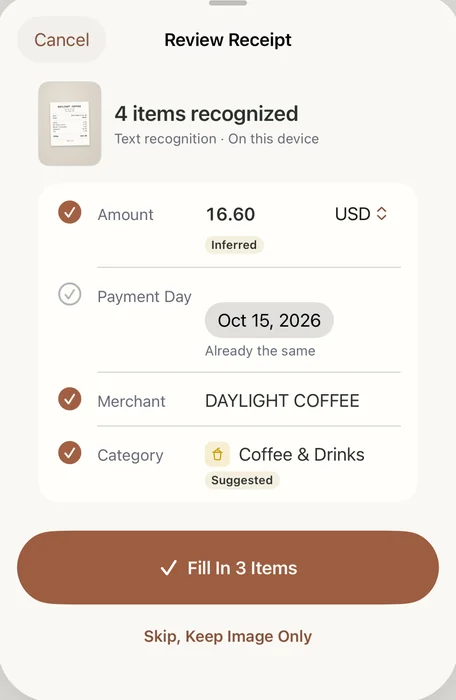
Receipt scan
Snap a receipt, we fill it in.
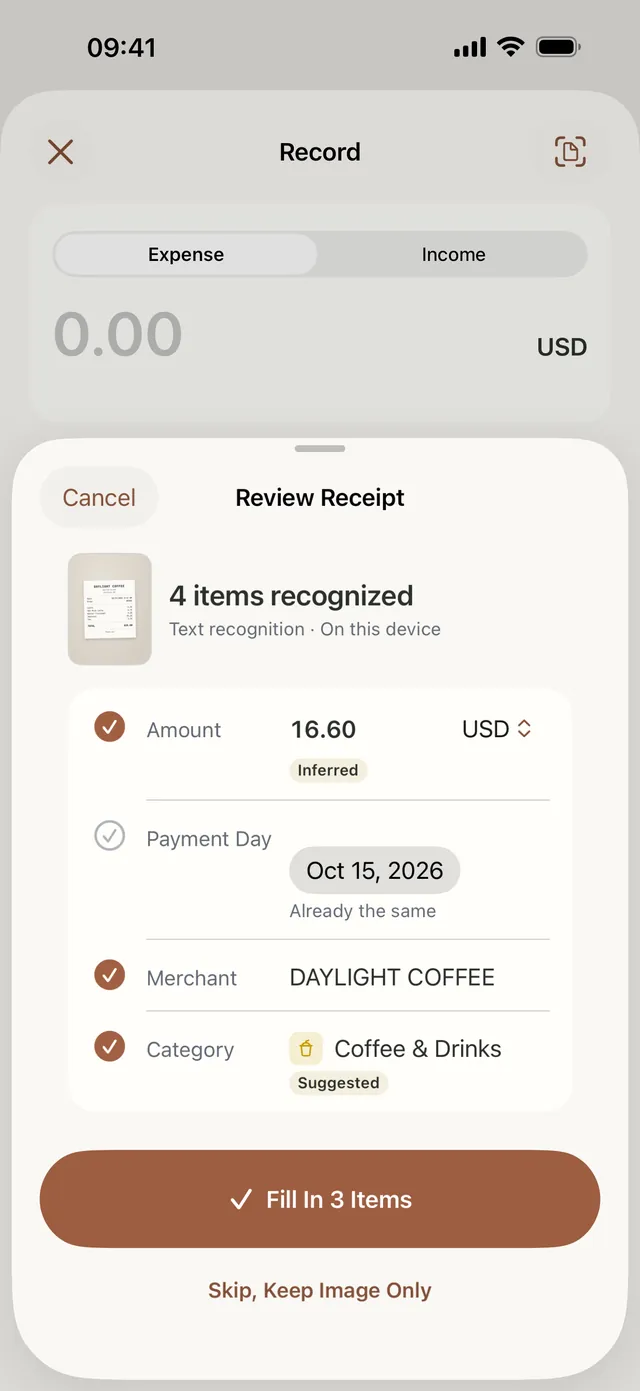
Check the amount, date and merchant before adding.
-
Free journal
More than a ledger, a place for life.
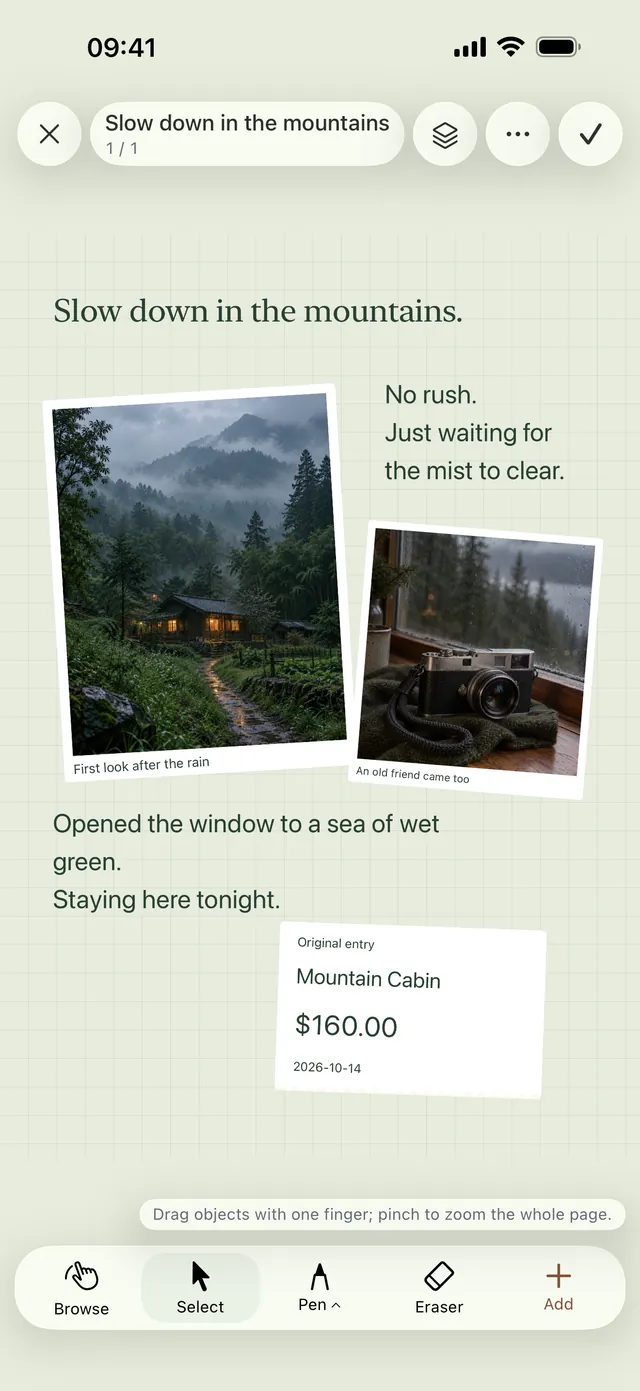
Photos, handwriting and bills, all on one page.
-
Belongings
Keep track of what you own.
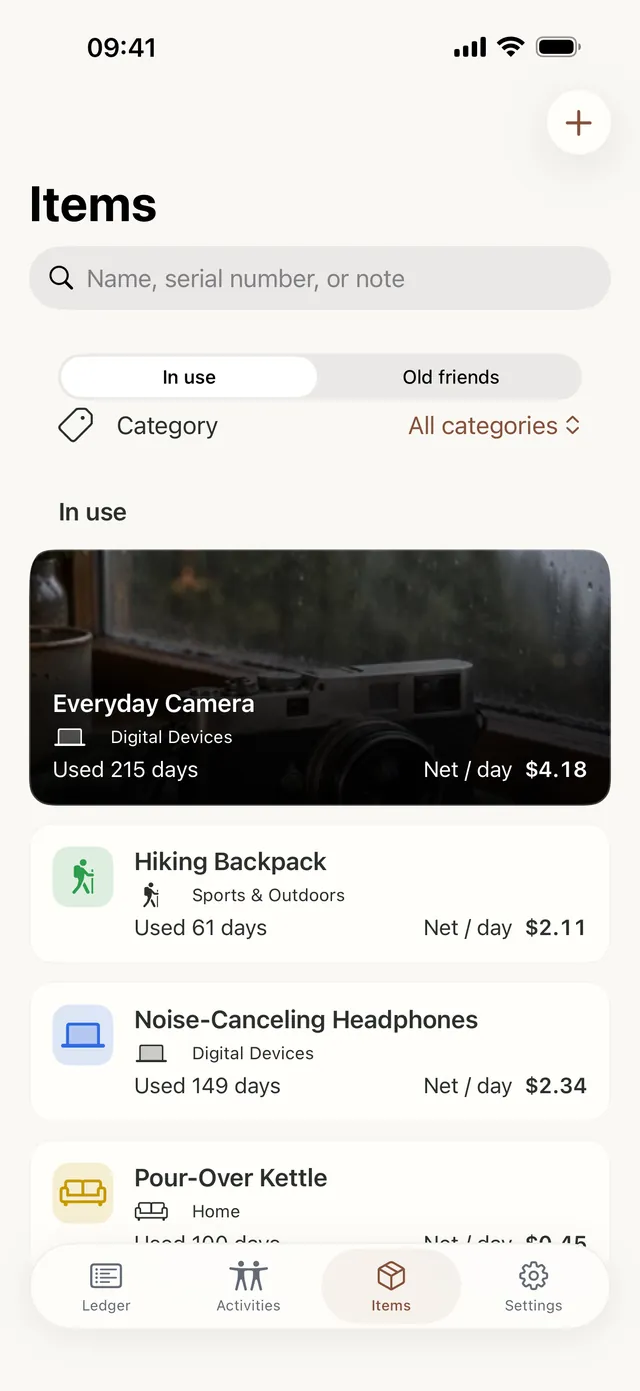
See days used and estimated cost per day.
-
Companion timeline
From the day it’s yours, keep its story.
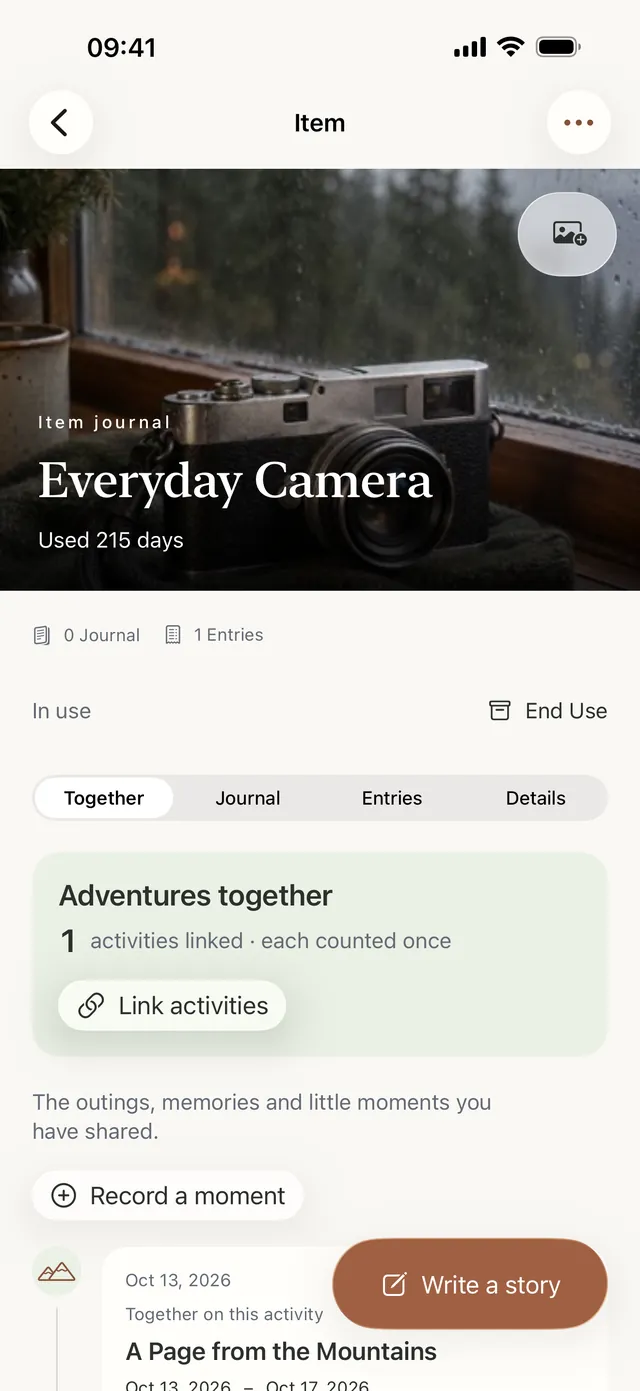
Follow purchases, care, use and linked activities.
-
Activities
Give each plan a place of its own.
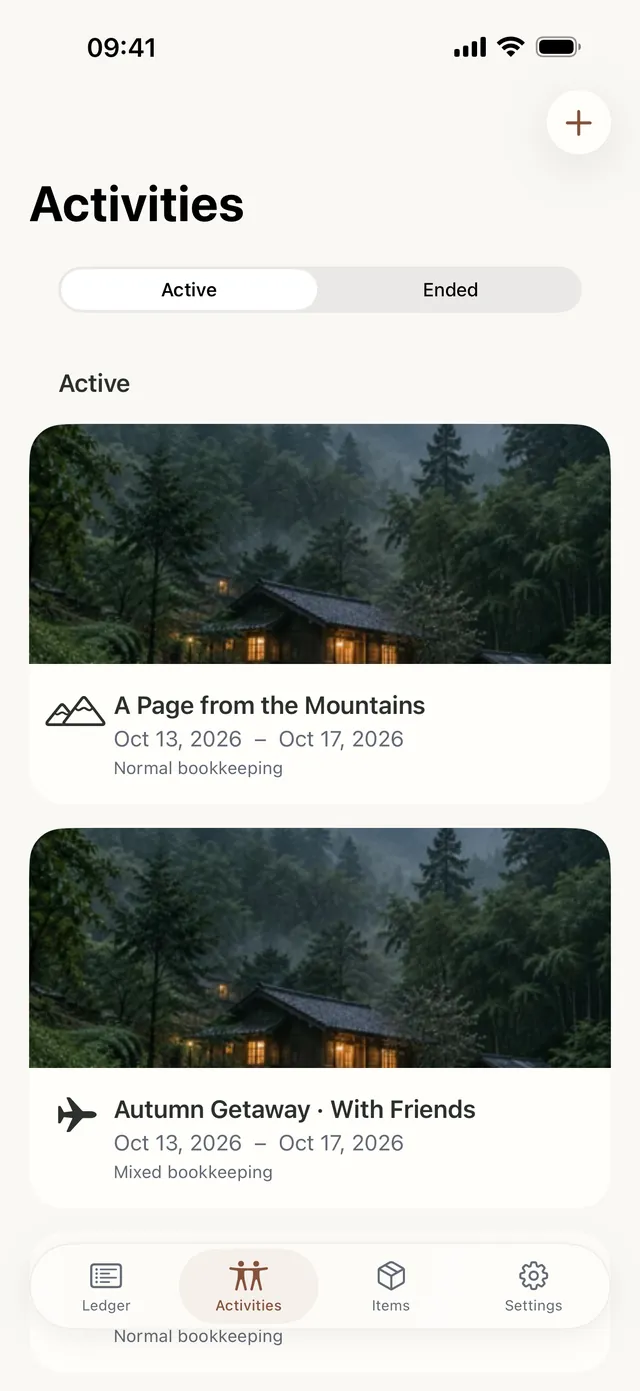
Gather entries and notes by trip, event or activity.
-
Shared expenses
Who paid what? What’s each share?
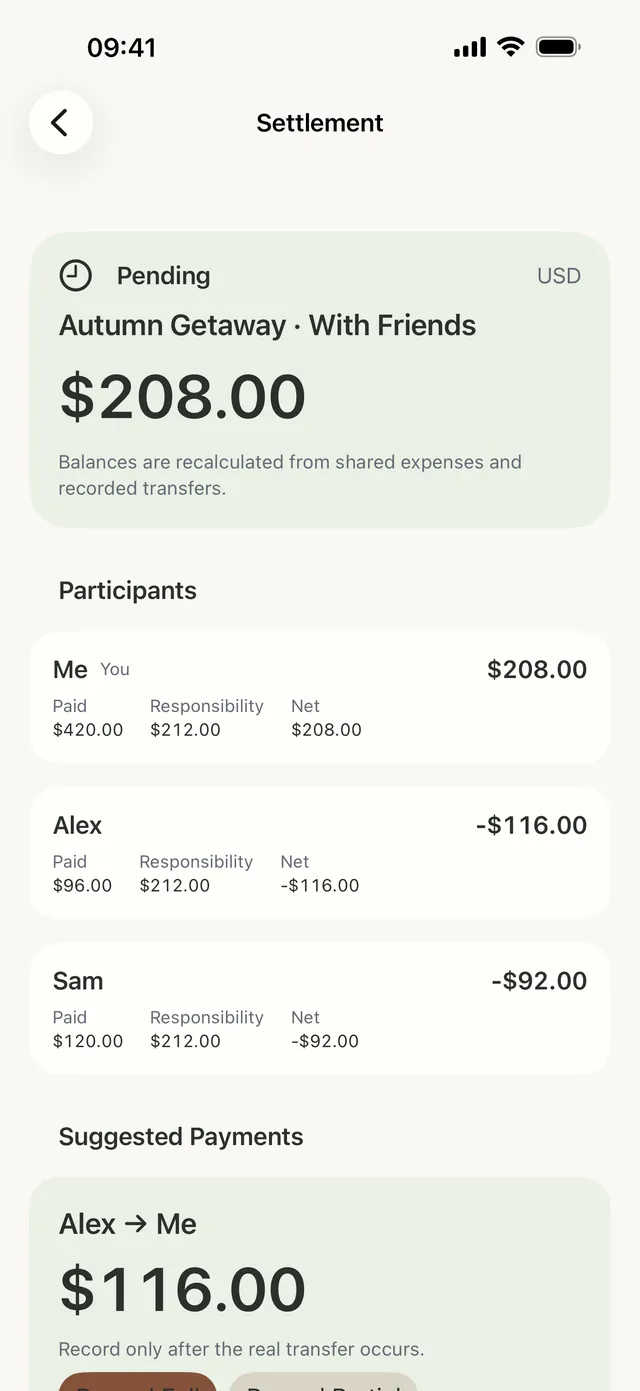
Record group spending and each participant’s share.
-
Reports
See where it went, period by period.
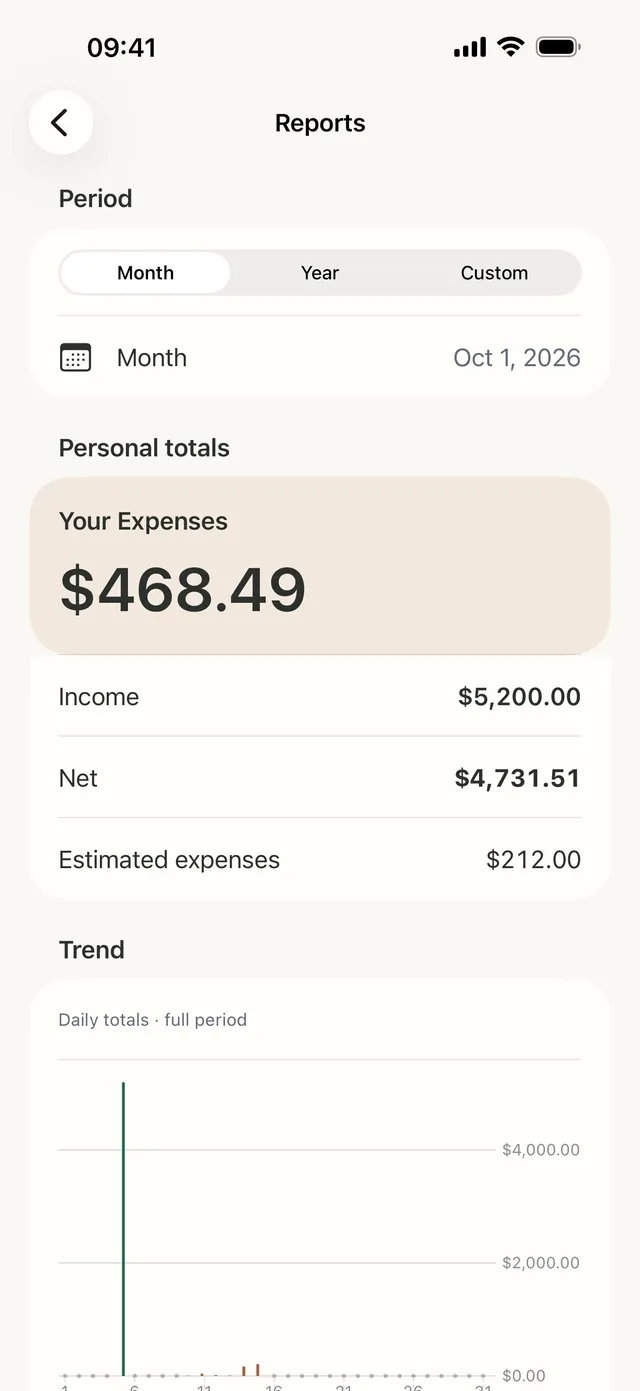
Review income, expenses and trends over time.
-
Four themes
Choose a look that feels like you.
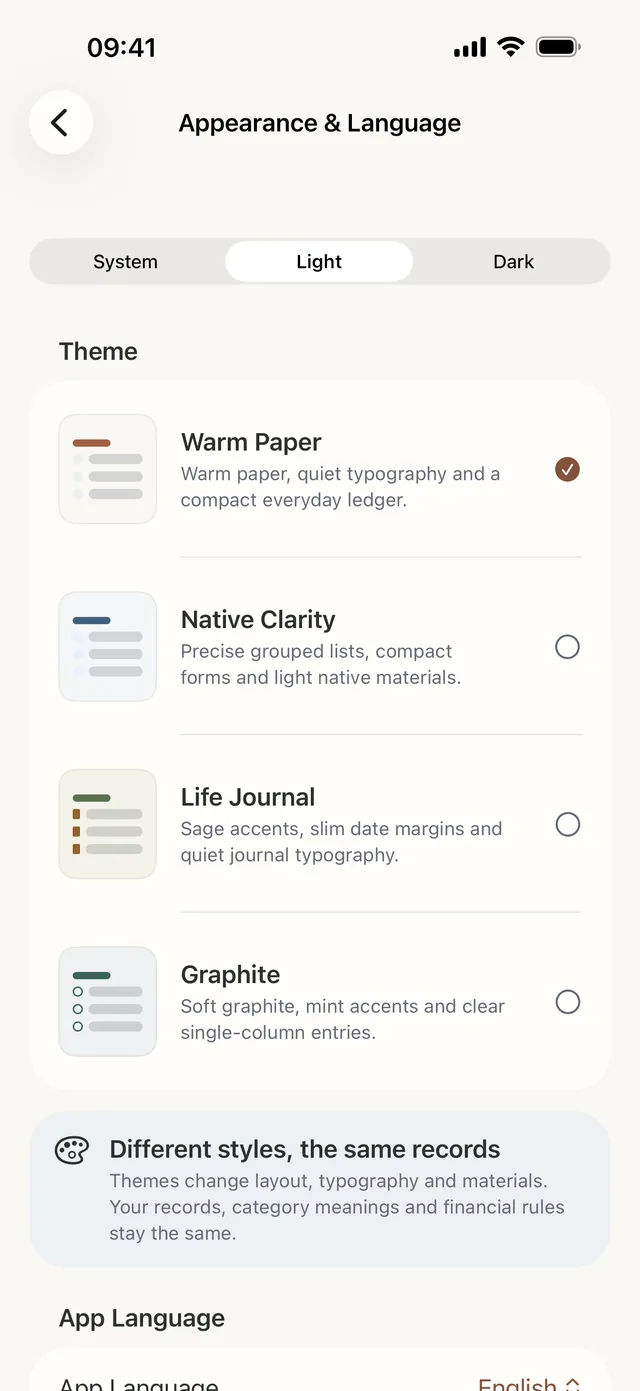
Four interface styles, with light and dark modes.
Your ledger stays with you
No account to make. No bills turned into ads.
- 01
No sign-up
There is no separate Sumory account. Your everyday records stay on your device and work offline.
- 02
Receipts read on device
Text recognition uses Apple Vision on device. Nothing is uploaded to the developer or a third-party AI service to read it.
- 03
Private iCloud sync
Apple CloudKit syncs records to your own private iCloud database. There is no developer server that receives your entries.
- 04
No ads, no trackers
No advertising or third-party behavioral analytics SDKs. Your bills are not material for ad targeting.
Sumory / 00:44
Open the ledger and follow a day.
Follow an expense into a journal, inspect the cost of an item, and settle up after a trip. The 44-second film includes captions.